
Mobile Device Security for Small Business: Protecting iPhones and Androids at Work
Phones now hold work email, calendars, files and authentication prompts, yet they are often the least managed devices in a company. A few simple settings and a clear policy close most of the gap, whether the phone is company-owned or personal.
The basics for every phone
- Keep iOS and Android up to date, and remove phones that can no longer receive security updates.
- Require a passcode or biometric lock and automatic screen lock.
- Enable device encryption (on by default on modern phones when a passcode is set).
- Install apps only from the official app stores.
Protect work accounts
Use MFA for Microsoft 365 or Google Workspace, and consider a managed work profile or app protection policy so company data stays separate from personal data. This is especially useful with a bring-your-own-device policy.
Be careful with text and QR code scams
Scam messages and QR codes that lead to fake login pages are common on phones because the screen hides the full link. Staff should treat unexpected texts the same way they treat unexpected email.
Have a lost-phone plan
Know how to lock or wipe a device remotely, sign out active sessions, and reset the account password. Practice the steps once so they are familiar.
Public Wi-Fi
Avoid handling sensitive work on open networks, and prefer your phone’s own connection or a trusted VPN when traveling.
Related reading
- managed IT services in Portland
- Cybersecurity for small businesses (2026)
- Microsoft 365 Copilot security for small business
Talk to a local team
PDX Information Technology Services provides managed IT, cybersecurity and compliance support for small businesses in Portland, Lake Oswego, Beaverton, Hillsboro and Vancouver, WA. Plans start at $100 per user per month (Gold) and $180 per user per month (Platinum). Call 971-331-4871 or book a free assessment.
Get In Touch
Share On Social Media
Other Recent Blog Articles

Shadow AI in Small Business: How to Find It and Fix It in 2026
Shadow AI is the AI your team already uses without IT knowing: personal ChatGPT accounts, free notetakers, and AI browser extensions. Here is how a Portland-area small business can find it without a witch hunt, give people a safer option, and lock down the risky parts in 30 days.
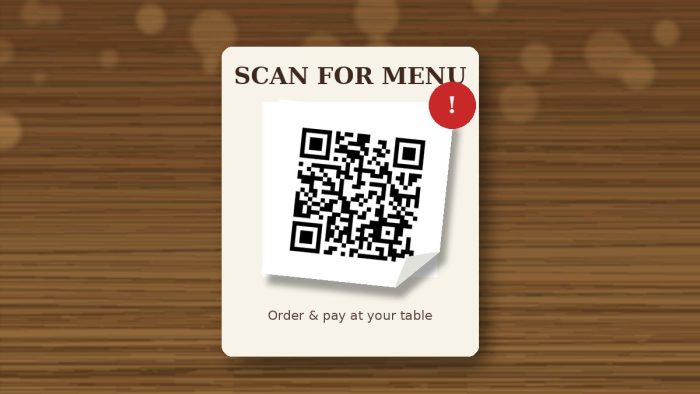
Restaurant QR Code Scams: How a Fake Menu Sticker Steals Your Card
At a lot of Portland restaurants these days, there’s no paper menu. You get a little QR code on a table tent, you scan it, and you order. It’s convenient,…

Hacked? What Portland CPAs, Financial Advisors, and Medical Offices Must Report After a Data Breach (and the Fines If You Don’t)
If you run a CPA firm, tax practice, financial advisory office, or medical clinic anywhere from Hillsboro to Gresham or Wilsonville to Vancouver, WA, a breach starts several reporting clocks…