
Blackout Blues: Don’t Let Power Outages Fry Your Electronics (Learn From My Fridge Fiasco!)
Last updated:
We’ve all been there. The lights flicker, maybe a surge, and then… darkness. While a temporary power outage might seem like a minor inconvenience, it can actually pose a significant threat to your valuable electronics. This week on the ‘Breaking Down I.T. with Steve’ podcast, we’re diving deep into this often-overlooked issue and exploring a crucial piece of technology that can save you from digital disaster: the Uninterruptible Power Supply (UPS).
For years, many have associated UPS devices with businesses and server rooms, the unsung heroes keeping critical systems running during power disruptions. But the truth is, in our increasingly connected homes filled with smart devices, computers, entertainment systems, and even electronically controlled appliances, a UPS is becoming an essential safeguard for everyone.
Why? Because sudden power loss isn’t just about the inconvenience of not being able to work or watch your favorite show. It can lead to:
- Data Loss: Unsaved work on your computer vanishes in an instant.
- Hardware Damage: Abrupt shutdowns can corrupt files and even damage sensitive electronic components.
- Reduced Lifespan: Repeated power surges and outages can prematurely wear down your devices.
- Frustration and Downtime: Getting your systems back up and running after an unexpected shutdown can be time-consuming and stressful.
Now, let me share a recent personal experience that truly hammered this point home for me. We had a brief but significant power event recently, and while most things seemed fine, my refrigerator – yes, my refrigerator – suffered a casualty. It has one of those fancy electronic control panels, and the sudden power loss seemed to scramble its brains. The display went haywire, and it took a frustrating amount of time and effort to get it functioning correctly again.
This wasn’t a mission-critical server going down, but it was a stark reminder that even everyday appliances are increasingly reliant on delicate electronics that are vulnerable to power fluctuations. That got me thinking: if a simple power flicker could mess with my fridge, what about my computer, my router, my smart home hub?
That’s where the UPS comes in. Think of it as a battery backup for your electronics. When the power goes out, a UPS kicks in, providing a temporary power source that allows you to:
- Safely Shut Down Devices: Prevent data loss and potential hardware damage by properly turning off your equipment.
- Continue Critical Tasks: Keep your internet running for a short period, allowing you to stay connected or finish important work.
- Ride Out Brief Outages: In many cases, a UPS can supply power long enough for the utility to restore service without any interruption to your devices.
On this week’s episode of ‘Breaking Down I.T. with Steve’, we delve into the specifics of UPS technology: what it is, how it works, the different types available, and crucial factors to consider when choosing the right one for your needs. We’ll break down the jargon and make it easy to understand how this relatively simple device can offer significant peace of mind and protection for your valuable electronics.
Don’t wait for your own “fridge fiasco” or a similar tech tragedy to realize the importance of backup power. Tune in to ‘Breaking Down I.T. with Steve’ this week and learn how a UPS can be a smart and relatively inexpensive investment in the longevity and reliability of your digital life. Trust me, learning from my mistake is a lot less costly than replacing fried electronics!
Listen to the episode here:
- https://open.spotify.com/show/6jkZyg94rqpf7ukeuVqjzo?si=61030676ed47448d
- https://youtu.be/yzZHANhv6kQ
#IT #Tech #Podcast #PowerOutage #UPS #BackupPower #HomeTech #TechTips #LearnFromMyMistake #BreakingDownITwithSteve
Related reading: backup, disaster recovery and business continuity, From "Oh No!" to "We Got This!": Navigating Business Continuity & Disaster Recovery and Streamlining IT for Small Business Owners: The Power of Managed Services to Propel Your Business Forward.
Request an IT assessment
Tell us a little about your business and a PDX IT team member will follow up to schedule an assessment. Prefer to talk? Call 971-331-4871.

About the author: Steve Shaff
Steve Shaff is the owner of PDX Information Technology Services, a managed IT provider he founded in 2020. From the Tualatin office he helps businesses across Portland Metro & Southwest Washington with IT support, cybersecurity and compliance. More about Steve · Contact PDX IT
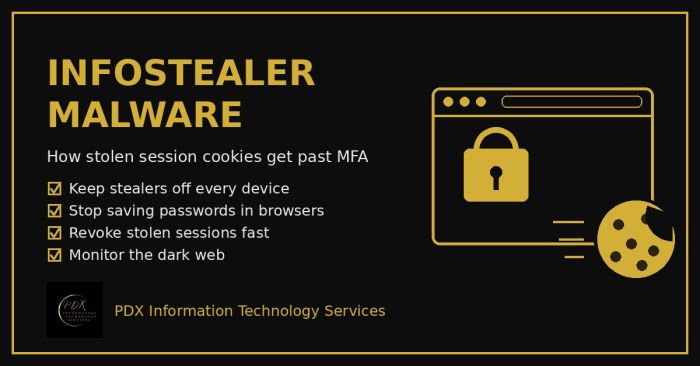
Infostealer malware copies saved passwords and live session cookies from a browser and sells them on the dark web, which lets attackers walk past MFA. Here’s how it works and a practical 10-step plan for Portland-area small businesses.
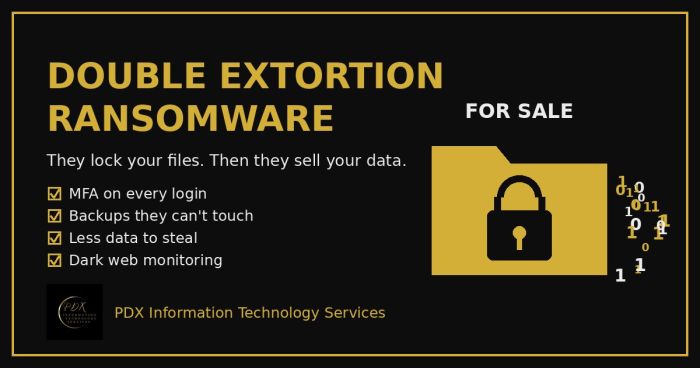
Modern ransomware gangs don’t just lock your files. They copy your data first, then threaten to publish or sell it on the dark web. Here is how double extortion works and what Portland-area small businesses can do before, during and after an attack.
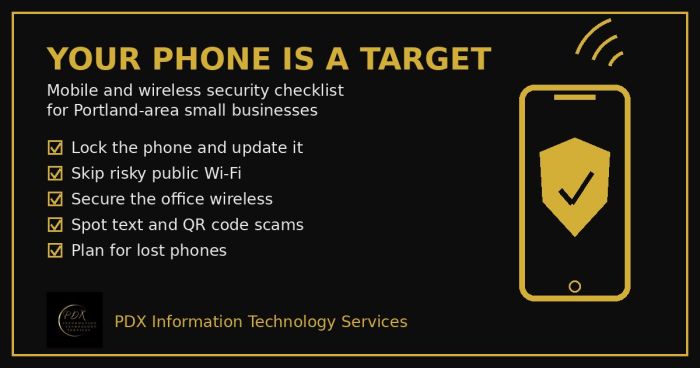
Portland small business mobile security checklist: lock phones, avoid risky public Wi-Fi, secure office wireless, spot text scams and handle lost phones.