
Exchange Server 2016 and 2019 Are End of Support: What to Do Now
Last updated:
Microsoft ended support for Exchange Server 2016 and Exchange Server 2019 on October 14, 2025. If your company still runs either version on its own server, that server no longer receives security updates, and email is one of the most targeted systems in any business.
Why it matters
- Security: attackers watch for unsupported mail servers because new flaws will not be fixed.
- Compliance: insurers, customers and regulations such as HIPAA often expect supported software on systems that handle sensitive data.
- Reliability: aging servers and unsupported software become harder to recover when something fails.
Your realistic options
Move email to Microsoft 365. Mailboxes move to Exchange Online, Microsoft handles the server, and you gain Teams, SharePoint and OneDrive plus modern security controls. For most small businesses in Portland and Vancouver this is the simplest path.
Upgrade to Exchange Server Subscription Edition (SE). This keeps email on your own hardware under a subscription model. It makes sense only if you have a firm reason to stay on premises, and it still requires ongoing patching and server management.
How to approach the move
- Inventory what you run today: Exchange version, number of mailboxes, shared mailboxes and any apps that send mail.
- Review licensing for the path you choose.
- Plan the cutover, including DNS, mobile devices and Outlook profiles, and keep a rollback option.
- Turn on multi-factor authentication and email security as part of the move.
Our Microsoft 365 management guide covers what good looks like after the migration.
Related reading
- managed IT services in Portland
- Microsoft 365 management for Portland businesses
- Microsoft 365 Copilot security for small business
Talk to a local team
PDX Information Technology Services provides managed IT, cybersecurity and compliance support for small businesses in Portland, Lake Oswego, Beaverton, Hillsboro and Vancouver, WA. Plans start at $100 per user per month (Gold) and $180 per user per month (Platinum). Call 971-331-4871 or book a free assessment.
Request an IT assessment
Tell us a little about your business and a PDX IT team member will follow up to schedule an assessment. Prefer to talk? Call 971-331-4871.

About the author: Steve Shaff
Steve Shaff is the owner of PDX Information Technology Services, a managed IT provider he founded in 2020. From the Tualatin office he helps businesses across Portland Metro & Southwest Washington with IT support, cybersecurity and compliance. More about Steve · Contact PDX IT
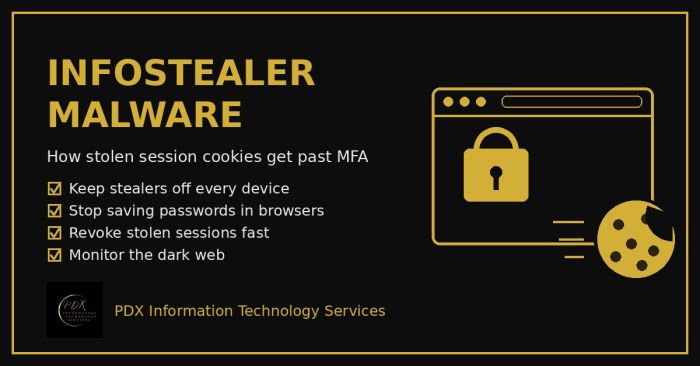
Infostealer malware copies saved passwords and live session cookies from a browser and sells them on the dark web, which lets attackers walk past MFA. Here’s how it works and a practical 10-step plan for Portland-area small businesses.
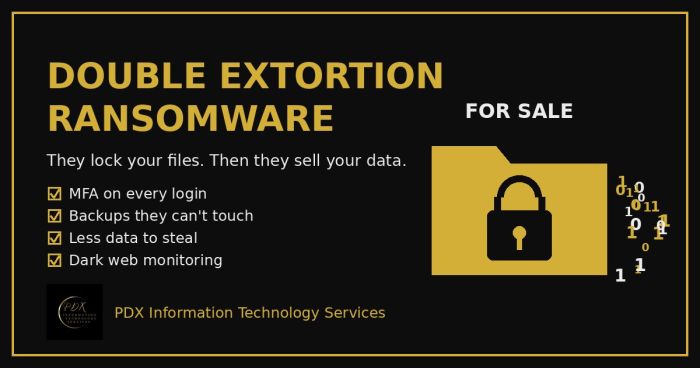
Modern ransomware gangs don’t just lock your files. They copy your data first, then threaten to publish or sell it on the dark web. Here is how double extortion works and what Portland-area small businesses can do before, during and after an attack.
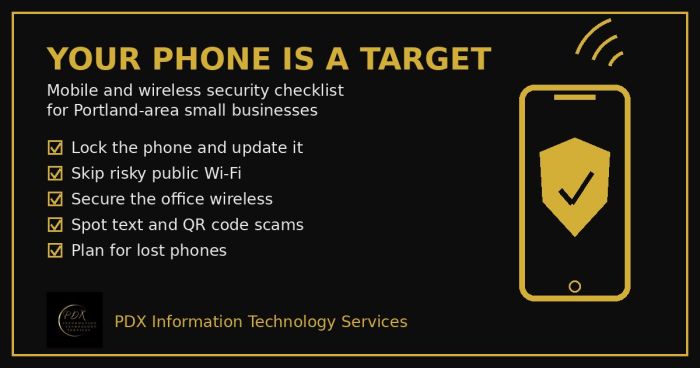
Portland small business mobile security checklist: lock phones, avoid risky public Wi-Fi, secure office wireless, spot text scams and handle lost phones.