
Insider Threats at Small Businesses: Practical Controls That Work
Last updated:
When people hear insider threat they picture a disgruntled employee stealing files. In small businesses the more common cases are simpler: someone clicks a bad link, sends a spreadsheet to the wrong person, keeps access after changing roles, or leaves the company with accounts still active. The controls that reduce these risks are practical and inexpensive compared with the cost of an incident.
Give people the access they need, and no more
Use named accounts rather than shared logins, and review who can reach financial data, client records and admin tools. Least privilege limits the damage from both mistakes and stolen credentials.
Make offboarding a checklist
- Disable accounts and remove MFA devices the day someone leaves.
- Recover laptops, phones and keys.
- Transfer mailboxes and files to a manager.
- Change shared passwords that person knew.
Watch for unusual activity
Sign-in alerts, unusual downloads and forwarding rules that copy mail to outside addresses are worth reviewing. Monitoring should be set up to alert on these events.
Protect data where it lives
Limit who can share files externally, use sensitivity labels where your Microsoft 365 licensing allows, and keep backups so accidental deletion is recoverable.
Train and set expectations
A short acceptable use policy and regular awareness training help employees understand what is expected. Our AI acceptable use policy template is a good example of a one-page policy people will actually read.
Related reading
- managed cybersecurity for Portland businesses
- Microsoft 365 Copilot security for small business — fixing oversharing before it becomes a problem
- AI acceptable use policy for small business
Talk to a local team
PDX Information Technology Services provides managed IT, cybersecurity and compliance support for small businesses in Portland, Lake Oswego, Beaverton, Hillsboro and Vancouver, WA. Plans start at $100 per user per month (Gold) and $180 per user per month (Platinum). Call 971-331-4871 or book a free assessment.
Request an IT assessment
Tell us a little about your business and a PDX IT team member will follow up to schedule an assessment. Prefer to talk? Call 971-331-4871.

About the author: Steve Shaff
Steve Shaff is the owner of PDX Information Technology Services, a managed IT provider he founded in 2020. From the Tualatin office he helps businesses across Portland Metro & Southwest Washington with IT support, cybersecurity and compliance. More about Steve · Contact PDX IT
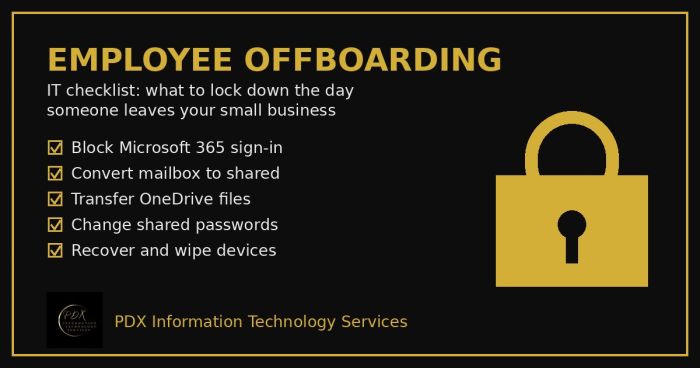
Portland employee offboarding IT checklist: lock Microsoft 365, save the mailbox and OneDrive files, change shared passwords and wipe company devices.
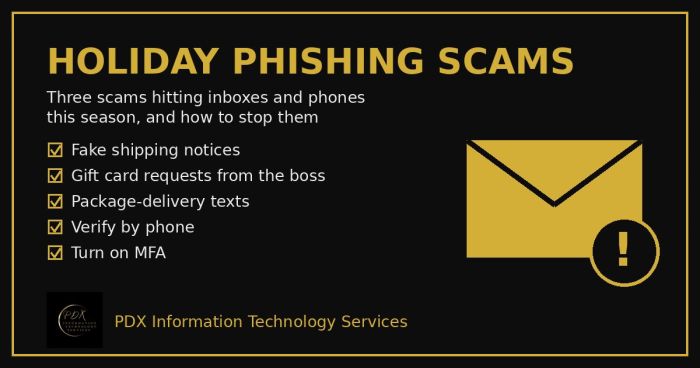
Holiday phishing scams are hitting Portland small businesses: fake shipping notices, gift card requests from the boss and delivery texts. How to stop them.
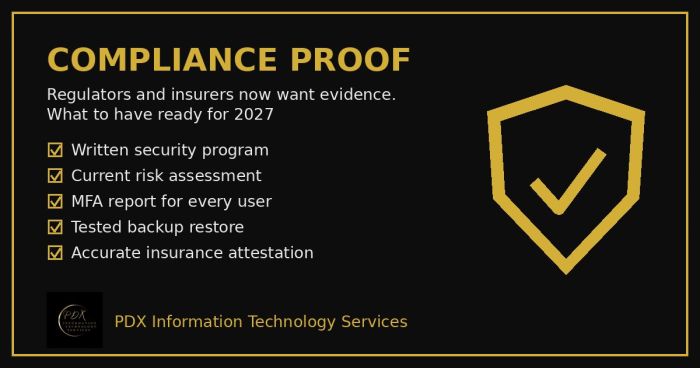
Cybersecurity compliance proof: HIPAA, CMMC, the FTC and cyber insurers now want documented evidence, not promises. See the checklist for 2027.