
Breaking Down I.T. with Steve: SSDs vs. HDDs: A Deep Dive
Last updated:

In this episode of “Breaking Down I.T. with Steve,” we’re getting under the hood of your computer and exploring the heart of its data storage: the hard drive. Join Steve as he delves into the fascinating world of SSDs (Solid-State Drives) and HDDs (Hard Disk Drives). We’ll break down the key differences between these two technologies, examining their strengths and weaknesses in terms of speed, performance, reliability, and cost.
Steve will bring in some visual aids to help you understand how these drives work, and we’ll discuss real-world scenarios where each technology shines. Whether you’re a tech enthusiast or simply curious about the inner workings of your computer, this episode is for you.
Tune in to “Breaking Down I.T. with Steve” and learn everything you need to know about SSDs and HDDs to make informed decisions about your next computer purchase.
Don’t forget to like, subscribe, and share!
SSD or Spinning Disk?
Solid-state drives (SSDs) have much faster access times and handle far more input/output operations than traditional spinning hard drives, which makes computers boot and open applications noticeably faster. Spinning drives still cost less per gigabyte and come in larger capacities, so they remain useful for bulk storage and backups. The right choice depends on what the drive will be used for.
Related reading: managed IT services in Portland, Breaking Down I.T. with Steve: Is Your Small Business a Hidden Target? The Importance of Vulnerability Scanning and Understanding the Importance of Computer Maintenance.
Request an IT assessment
Tell us a little about your business and a PDX IT team member will follow up to schedule an assessment. Prefer to talk? Call 971-331-4871.

About the author: Steve Shaff
Steve Shaff is the owner of PDX Information Technology Services, a managed IT provider he founded in 2020. From the Tualatin office he helps businesses across Portland Metro & Southwest Washington with IT support, cybersecurity and compliance. More about Steve · Contact PDX IT
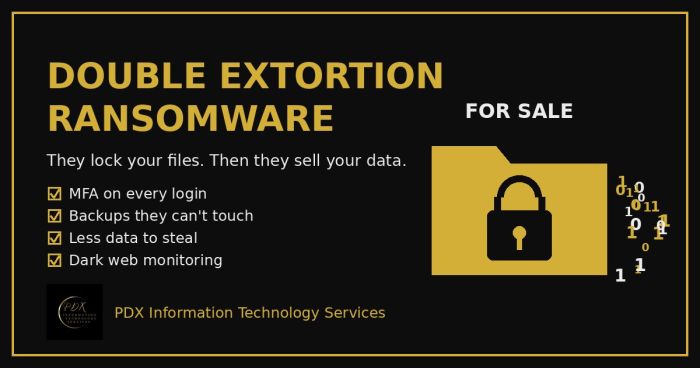
Modern ransomware gangs don’t just lock your files. They copy your data first, then threaten to publish or sell it on the dark web. Here is how double extortion works and what Portland-area small businesses can do before, during and after an attack.
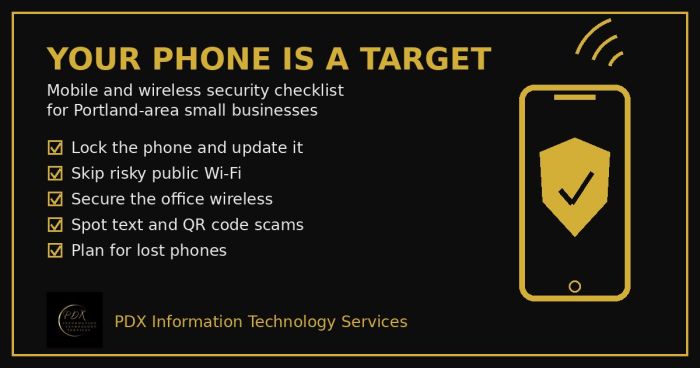
Portland small business mobile security checklist: lock phones, avoid risky public Wi-Fi, secure office wireless, spot text scams and handle lost phones.
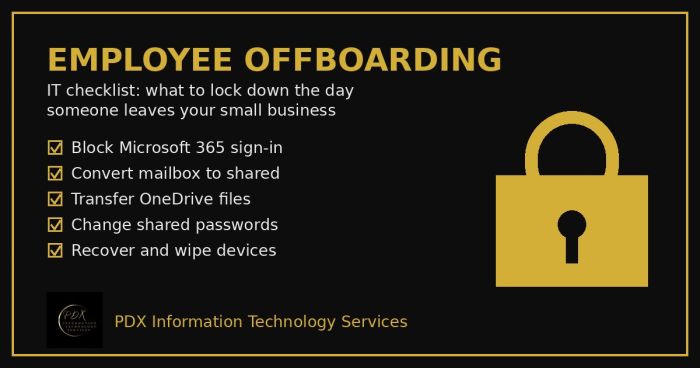
Portland employee offboarding IT checklist: lock Microsoft 365, save the mailbox and OneDrive files, change shared passwords and wipe company devices.