
Vulnerability Scanning for Small Business: Why Hidden Gaps Matter
Last updated:

Small businesses in the Pacific Northwest are not too small to be targeted. Automated attacks look for unpatched software and exposed services on any network they can reach. Vulnerability scanning is how you find those weaknesses before someone else does. This article summarizes the topic from our podcast, Breaking Down I.T. with Steve.
What vulnerability scanning is
A vulnerability scan is an automated check of your systems for known weaknesses: missing patches, outdated software, weak or default settings and services exposed to the internet. Think of it as a regular health check for your network.
What it typically finds
- Operating systems and applications that are missing security updates.
- Misconfigured firewalls, remote access and cloud settings.
- Old devices nobody remembered, such as printers or unmanaged equipment.
Why a one-time scan is not enough
New flaws are published constantly and systems change. Scanning is useful when it is repeated on a schedule, results are ranked by risk, and someone is responsible for fixing the important items and confirming they are fixed.
How managed IT handles it
As part of ongoing managed services, scanning, patching and reporting are routine. You get a prioritized list of what to fix and a record you can show to insurers or customers who ask about your security practices.
Related reading
- managed cybersecurity for Portland businesses
- Beyond the firewall: hidden threats in your network
- Cybersecurity for small businesses (2026)
Talk to a local team
PDX Information Technology Services provides managed IT, cybersecurity and compliance support for small businesses in Portland, Lake Oswego, Beaverton, Hillsboro and Vancouver, WA. Plans start at $100 per user per month (Gold) and $180 per user per month (Platinum). Call 971-331-4871 or book a free assessment.
Request an IT assessment
Tell us a little about your business and a PDX IT team member will follow up to schedule an assessment. Prefer to talk? Call 971-331-4871.

About the author: Steve Shaff
Steve Shaff is the owner of PDX Information Technology Services, a managed IT provider he founded in 2020. From the Tualatin office he helps businesses across Portland Metro & Southwest Washington with IT support, cybersecurity and compliance. More about Steve · Contact PDX IT
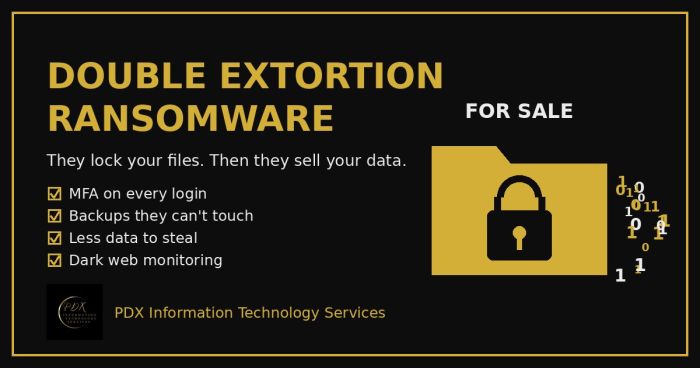
Modern ransomware gangs don’t just lock your files. They copy your data first, then threaten to publish or sell it on the dark web. Here is how double extortion works and what Portland-area small businesses can do before, during and after an attack.
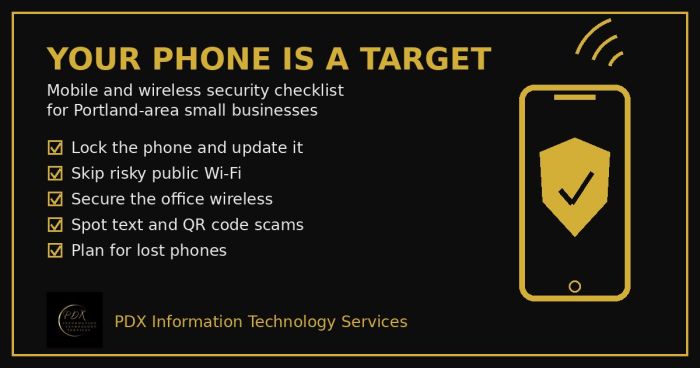
Portland small business mobile security checklist: lock phones, avoid risky public Wi-Fi, secure office wireless, spot text scams and handle lost phones.
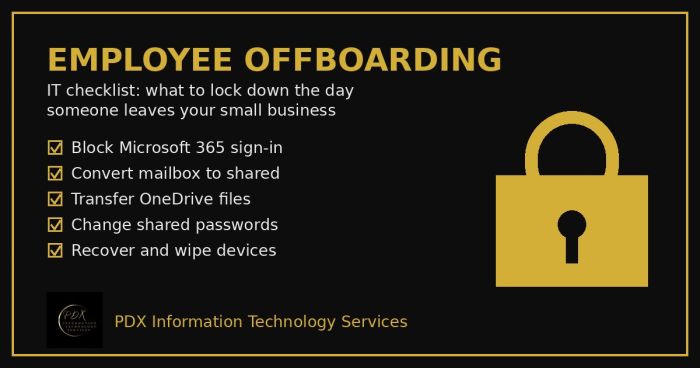
Portland employee offboarding IT checklist: lock Microsoft 365, save the mailbox and OneDrive files, change shared passwords and wipe company devices.