
Amazon Echobud Consumers Should Update Due To Overheating Issue
Last updated:

Do you own a pair of Amazon’s Echo Buds? If so, and in case you didn’t get an email from the company, be advised that Amazon recently discovered a potential safety risk.
To address it, the company is asking all Echo Bud owners to perform a software update on their gear.
In a nutshell, the email the company sent out explained that occasionally, in very rare instances, it’s possible for the Echo Buds to overheat while resting in their charging case.
In response, the company has released a software update that addresses the issue, prevents the Echo Buds from overheating, and helps to improve the long-term performance of the batteries.
If your Echo Buds are connected to your smartphone and the Alexa app via Bluetooth, your Echo Buds should receive this update automatically. Of course, it pays to double check to make sure you have it.
Here’s how you do that:
- Open your Echo Buds case
- Confirm that the Echo Buds are connected to your smartphone via Bluetooth
- Open your Alexa app and select “Devices” in the bottom right portion of the window
- Choose the “Echo & Alexa” option, and then select “Echo Buds”
- Scroll down to the “About” section which will be near the bottom of the page that opens.
Once there, the version number you’re looking for is 318119151` or higher. If, for any reason, you have a version number lower than this, then it’s a sure sign that your Echo Buds did not upgrade automatically.
Not to worry, if it didn’t update, you can install the update manually by following these steps:
- Open your Echo Buds case and confirm that they are connected via Bluetooth to your phone and the Alexa app.
- Make sure your Echo Buds are charged to at least 30 percent.
- Close the case lid, keeping the Echo Buds inside and remain within Bluetooth range of your phone for at least thirty minutes.
- Check the software version number using the steps outlined above.
That’s all there is to it! Take the time to do this. Don’t lose your Echo Buds to overheating.
Related reading: managed IT in Hillsboro, Patch Up for the Holidays: Your End-of-Q3 Security Refresh.
Request an IT assessment
Tell us a little about your business and a PDX IT team member will follow up to schedule an assessment. Prefer to talk? Call 971-331-4871.

About the author: Steve Shaff
Steve Shaff is the owner of PDX Information Technology Services, a managed IT provider he founded in 2020. From the Tualatin office he helps businesses across Portland Metro & Southwest Washington with IT support, cybersecurity and compliance. More about Steve · Contact PDX IT
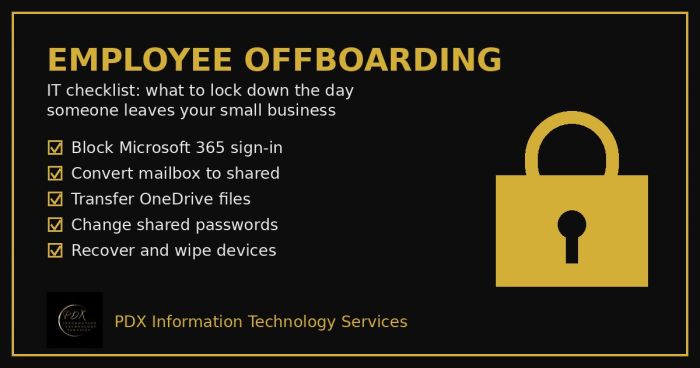
Portland employee offboarding IT checklist: lock Microsoft 365, save the mailbox and OneDrive files, change shared passwords and wipe company devices.
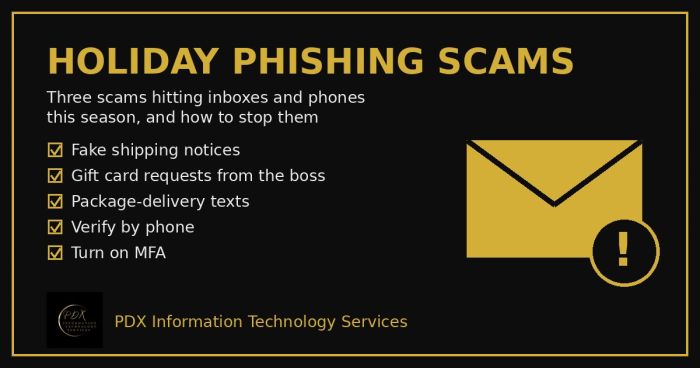
Holiday phishing scams are hitting Portland small businesses: fake shipping notices, gift card requests from the boss and delivery texts. How to stop them.
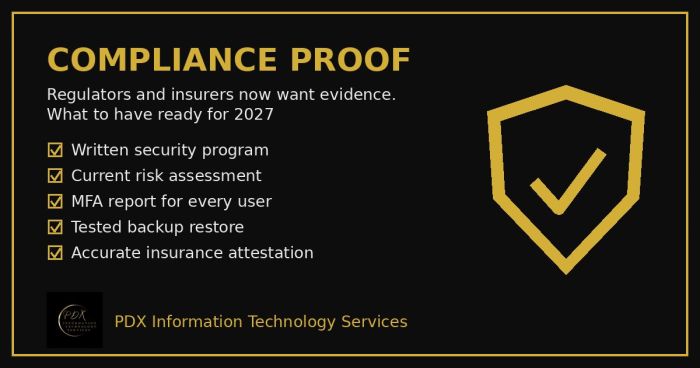
Cybersecurity compliance proof: HIPAA, CMMC, the FTC and cyber insurers now want documented evidence, not promises. See the checklist for 2027.