
Slow Internet?
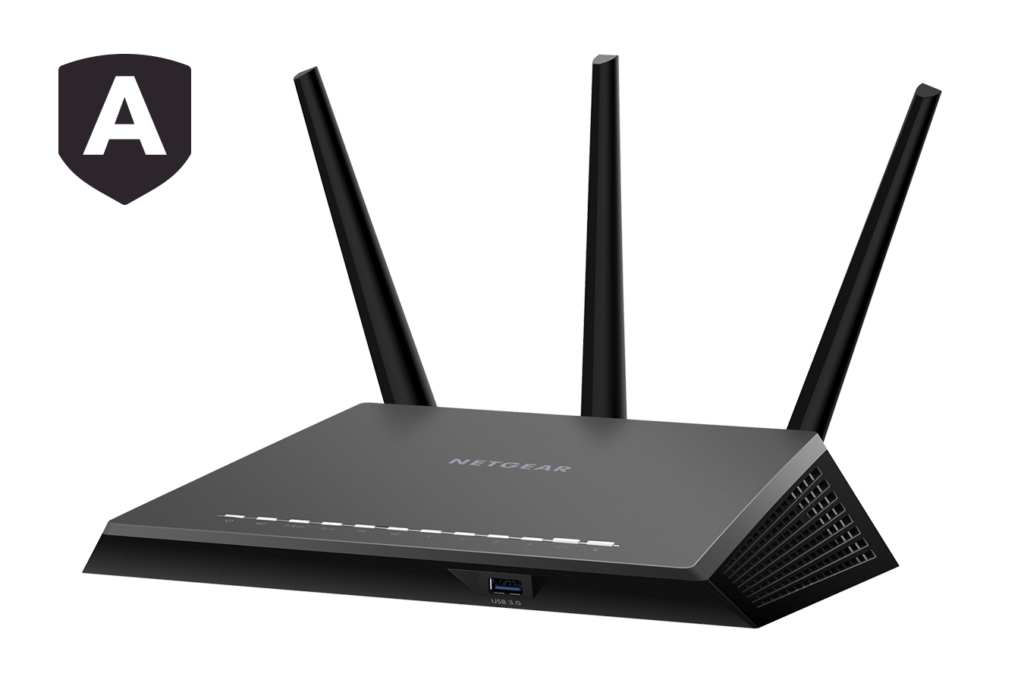
Here are some quick tips to improve the speed of your wifi/router.
- Schedule Reboots – Much like your PC, even your wifi router needs to get rebooted to clean things up and get back to normal. On most routers, you can schedule a reboot for times that you are away or sleeping.
- A simple way to make a router faster is to buy a new antenna. – Some wifi router, you are able to replace the antennas, not all have this ability. The antenna on most consumer-grade routers is awful.
- Disable Older Wireless Protocols – Newer routers on the 802.11ac protocol offer capabilities far exceeding many ISPs service offerings. While the router might be fast, many of your devices are probably using older protocols—such as 802.11g—which slows the entire network down as soon as this device connects. Ideally, you should remove any device you see using b or g protocols. The fastest protocols, in order of fastest to slowest, are ac > n > g > b
- Change the Channel Width – The best router configuration for local speed often entails changing the channel width. The wider the width, the more that older devices on older protocols will suffer from interference.
- Keep Your Router Updated – One of the most overlooked ways to maximize router speed is to ensure your router is always running the latest software and firmware from the manufacturer.
- Experiment With Router Location – It’s not only about finding the best router settings for fast internet. You also need to consider where you’re placing your router in your home. Because the router competes with every other 2.4GHz and/or 5GHz device in your area, subtle movements often make a world of difference.
- Optimize Your Router’s Channel Settings – Have you considered changing the router’s channel? There are plenty of free tools that’ll scan your local airwaves for the channels with the least interference. They will then make a suggestion about which channel you should switch to. You need to change the channel from within the router’s settings.
- Switch the Router to a Different Band – A typical home is full of wireless devices. Luckily, with a dual- or tri-band router, you’ll have the capability of separating them in order to maximize speeds. In simple terms, you’re opening another lane for network traffic. While a one-lane road will get you there, two (or three) lanes are better for everyone involved. If you have a dual-band router, you could assign some to the additional (and typically less crowded) 5GHz band, instead of all your devices competing for space in the 2.4GHz band.
- Change Your Network Name and Password – A lot of otherwise tech-savvy people still use the default username and password on their router. Even intermediate hackers are capable of hacking relatively secure networks with non-default passwords. Using a strong Wi-Fi password is equally important. While you might do a great job of splitting your devices up into separate bands, updating your firmware, and switching channels during high traffic periods, it’s all an exercise in futility if your neighbors are piggybacking your Wi-Fi and using it to torrent movies all day.
- Install New Firmware – Many routers keep the settings relatively dummy-proof so that you don’t screw anything up. While this is great for most users, sometimes you just want to dive in and hack the settings until you’re running a router that far exceeds its price tag.
Get In Touch
Share On Social Media
Other Recent Blog Articles
Fake IT Workers Are Showing Up at Offices — And They’re After Your Data
Cybercrime has never been more brazen. Ransomware gangs have long relied on phishing emails and malicious software to compromise businesses — but a group known as the Silent Ransom Group has taken…
The FBI Is Warning Microsoft 365 Users About a Dangerous New Phishing Platform — Here’s What Portland Businesses Need to Know
Published by PDX IT Services | Cybersecurity Alert | 2026 The FBI has issued an urgent warning to Microsoft 365 users about a sophisticated new threat that should have every…
Card Testing Fraud: What It Is and How to Protect Your Business
If you’ve ever received a flurry of declined transaction notifications in quick succession — often for the same amount, often late at night — your business may have been the…