
Work from home security tips

Keep work and personal separate.
Use a remote desktop solution for those working at home with their personal computers. Ask us to help with setting up a remote solution for your employees. This ensures that if their home computer is outdated on patches and updates or they accidentally get malware this will not impede the rest of your employees.
Be even more vigilant
Hackers will use every opportunity to prey on the unsuspecting and use the lack of communication to their advantage. Scrutinize every email carefully. It may be a good idea to enact a policy that if an employee gets an email requesting fund transfers, login information or downloads to immediately reach out through another method (phone call, secure chat, text) to make sure the request is valid.
Consult the experts
I Do Information Technology Services is here to help. We have been the work from home experts for years. We can help provide solutions so that your business will continue to perform even during uncertainty.
Request an IT assessment
Tell us a little about your business and a PDX IT team member will follow up to schedule an assessment. Prefer to talk? Call 971-331-4871.

About the author: Steve Shaff
Steve Shaff is the owner of PDX Information Technology Services, a managed IT provider he founded in 2020. From the Tualatin office he helps businesses across Portland Metro & Southwest Washington with IT support, cybersecurity and compliance. More about Steve · Contact PDX IT

JPMorgan Chase says attackers hit third-party vendors and accessed marketing data that may include customer names and emails, which a ransomware gang then leaked. Here’s what Chase customers should do, and the vendor checklist Portland-area business owners can use so their customer list isn’t next.

The FBI warned that ARTEX, an AI hacking tool, can take some intrusions from first targeting to privileged access in under three hours. Here’s what that means for Portland and Vancouver small businesses, and the checklist I’d put in place this week.
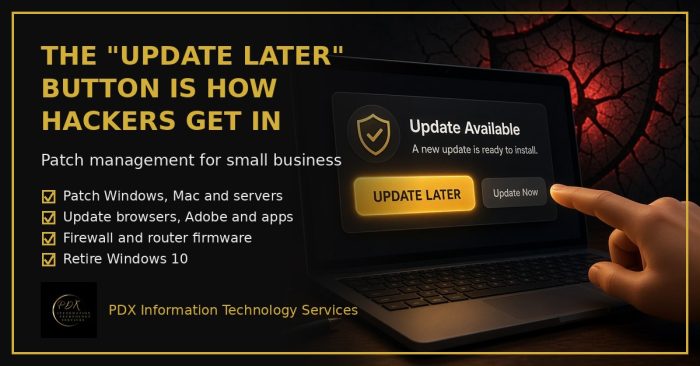
Exploiting unpatched software is now the most common way breaches start, and small businesses are most of the ransomware victims. Here’s what skipping updates really costs and the patching checklist I’d put in place this week.